Quick Summary
- ▸ Built for a construction tools company (50–200 employees) in Los Angeles, CA, United States.
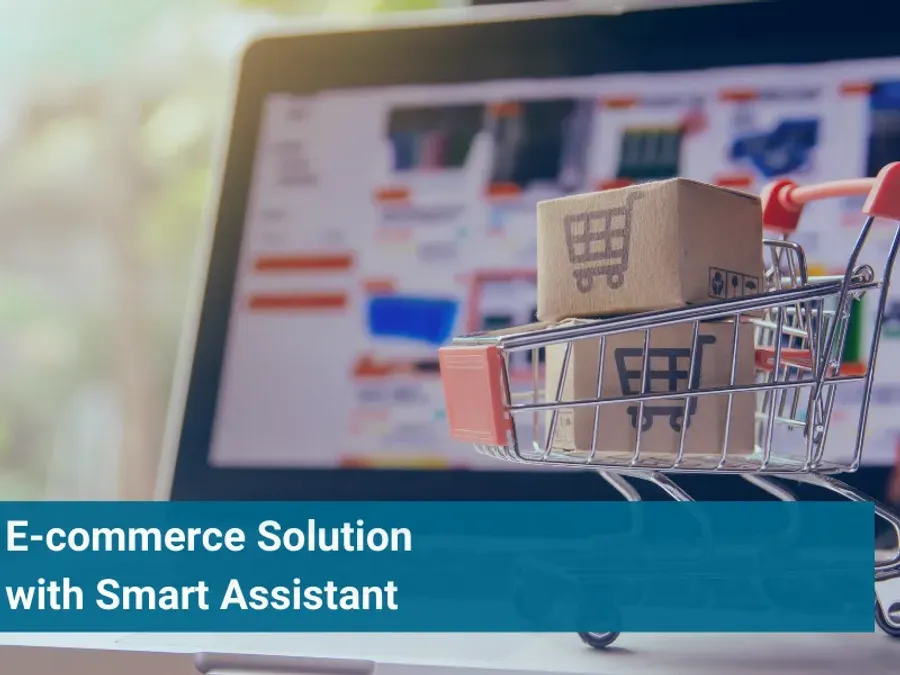
- ▸ CodeBranch built an e-commerce platform for a U.S. construction tools company where users assemble modular tool kits step by step — guided by an intelligent assistant that filters by category, suggests compatible accessories, and produces a full quote at checkout.
- A guided kit-building experience where users assemble modular tool configurations step by step, filtered by work category.
- A graphical interface with drag-and-drop that shows the kit taking shape as components are added.
Overview
A construction tools company in Los Angeles needed more than a product catalog. Their products are modular: a tool belt holds specific pouches, each pouch fits specific hand tools, and accessories attach to specific mounting points. The right combination depends on the type of work — electrical, plumbing, kneeling work, general construction — and most customers don't know the full compatibility matrix. CodeBranch built an e-commerce platform with a guided kit-building experience. Instead of browsing a flat catalog, users start by selecting their work category. The intelligent assistant then walks them through each step: base products, then compatible pouches, then tools that fit those pouches, then accessories. A graphical interface shows the kit taking shape — users drag and drop components into position and see how everything fits together visually. At the end of the flow, the platform generates a complete quote with every selected item, quantities, and pricing, ready for checkout. On the backend, administrators manage products, compatibility rules, and assistant logic from a dedicated console — no code changes needed.
Industries
Services Provided
- Web Development
- Custom Software Development
- API Integrations
- AI Development
Approach
The platform was built as two interconnected applications using React.js, Node.js, JavaScript, and TypeScript. The customer-facing storefront embeds the intelligent assistant directly into the shopping flow. The assistant's logic is rule-based: for each product category, it knows which base items are available, which accessories are compatible with each base item, and which combinations are valid. As the user makes selections, the interface filters in real time — only showing products that fit what has already been chosen. The graphical builder renders the kit visually, supporting drag-and-drop interaction on desktop and touch-adapted controls on mobile. The administration console gives non-technical staff full control over the product catalog, category structure, compatibility rules, and the assistant's recommendation logic. Business rule changes take effect immediately without code deployments. TypeScript was used throughout frontend and backend to enforce type safety across the compatibility logic, reducing the risk of configuration errors that could show incompatible products to customers.
Results
- A guided kit-building experience where users assemble modular tool configurations step by step, filtered by work category.
- A graphical interface with drag-and-drop that shows the kit taking shape as components are added.
- An intelligent assistant that displays only compatible products at each stage — pouches that fit the belt, tools that fit the pouch, accessories that mount to the right points.
- A full quote generated at the end of the configuration, with all selected items, quantities, and pricing ready for checkout.
- An administration platform where non-technical staff manage products, compatibility rules, and assistant logic without code changes.
- Dual user experiences optimized separately for mobile and desktop devices.